 MAX FOR LIVE AUDIO EFFECT
pump
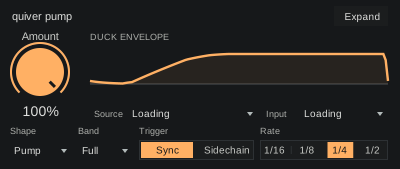
€15Find the space between your kick and bass with rhythmic ducking that follows your groove.
RHYTHMIC DUCKINGExplore pump
Shape your groove and add character with five focused devices. Hands-on controls, wherever you make music.
For Ableton Live with Max for Live.
Clear controls, compact interfaces and a sound you can make your own.
MAX FOR LIVE AUDIO EFFECT Find the space between your kick and bass with rhythmic ducking that follows your groove.
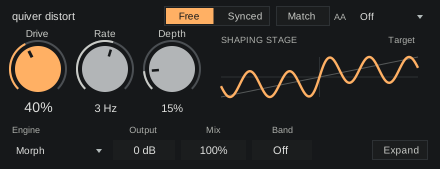
MAX FOR LIVE AUDIO EFFECT Give drums, bass and synths a little warmth, a rougher edge or a moving distortion curve.
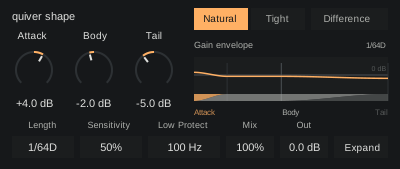
MAX FOR LIVE AUDIO EFFECT Bring out the attack, give the body more weight or pull back the tail. Keep the low end where you want it.
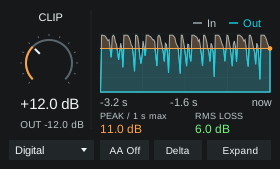 MAX FOR LIVE AUDIO EFFECT
Choose from ten clipping characters, trim peaks and compare the processing difference. Clip and Mode keep the sound within reach.
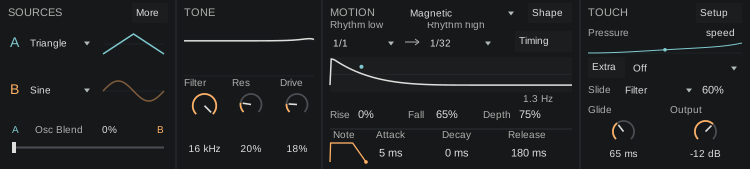 MAX FOR LIVE INSTRUMENT
Play leads and bass with pressure-driven rhythm, pitch bends and sliding filter movement.
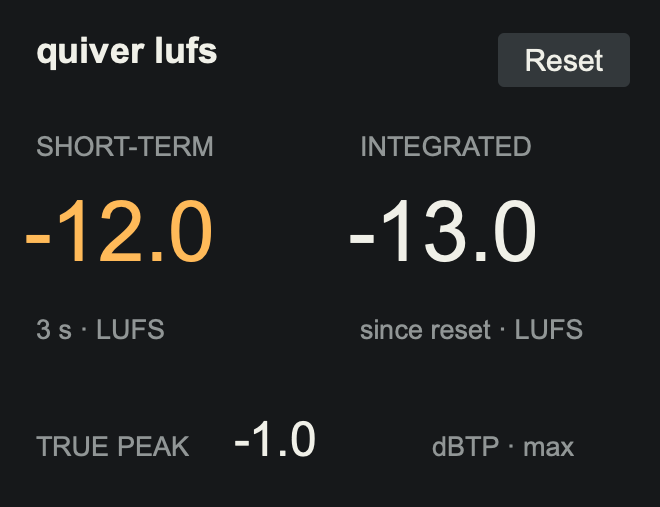
Keep loudness in view with LUFS. Check correlation and low-band mono loss with Stereo. Meter keeps peaks and RMS in view.
Explore free toolsMax for Live required. No sign-up or activation.
Make small changes without breaking your flow. A focused bank puts the controls you need directly under the eight encoders.
Move between character and level without searching through pages.
Rate, Depth and Sync are grouped together for changes you can feel.
Engine, Mix and Band stay close to the rest of the sound controls.
Pump, distort, shape, clipper and lean. Four focused effects and an expressive synth.
Already own a device? Complete your collection
You need Ableton Live Suite, or Live Standard with Max for Live. These devices don’t run in other DAWs.
Yes. The device controls are mapped to Push’s encoders and buttons, so you can adjust them directly from the hardware.
Download the device and put it in your User Library. Use an audio track for the effects and a MIDI track for lean. See the installation instructions for Live and Push.
No. The M4L bundle contains pump, distort, shape, clipper and lean. Quiver Complete contains the native plugins. Each range has its own bundle and collection pricing.
Your bundle includes the products listed when you buy it. Future releases are sold separately. When a new product joins your bundle, use Complete your collection to get bundle pricing on the products you don’t already own. You won’t need to buy the whole bundle again.
Latency depends on the device and mode. Distort and Clipper add zero samples with oversampling off; their 4x and 8x modes add 90 samples. Your audio interface and Live’s buffer still contribute to monitoring latency.
Already own plugins? Sign in for your collection price