repitch
The delay time glides, so the repeats bend in pitch as they speed up or slow down, like tape.


roll · creative drum fills
roll is a delay for drums. Mark where the fill comes in and draw how the delay time moves, from 200 ms down to 50 ms or anywhere you like, in time with your song.
€29 · every update free
Put a drum loop through a delay, record it, and pull the delay time down as the phrase ends: the hits pile up into a roll. It takes a few takes to get right. roll plays that move for you, in time with your song, and the same way every time.
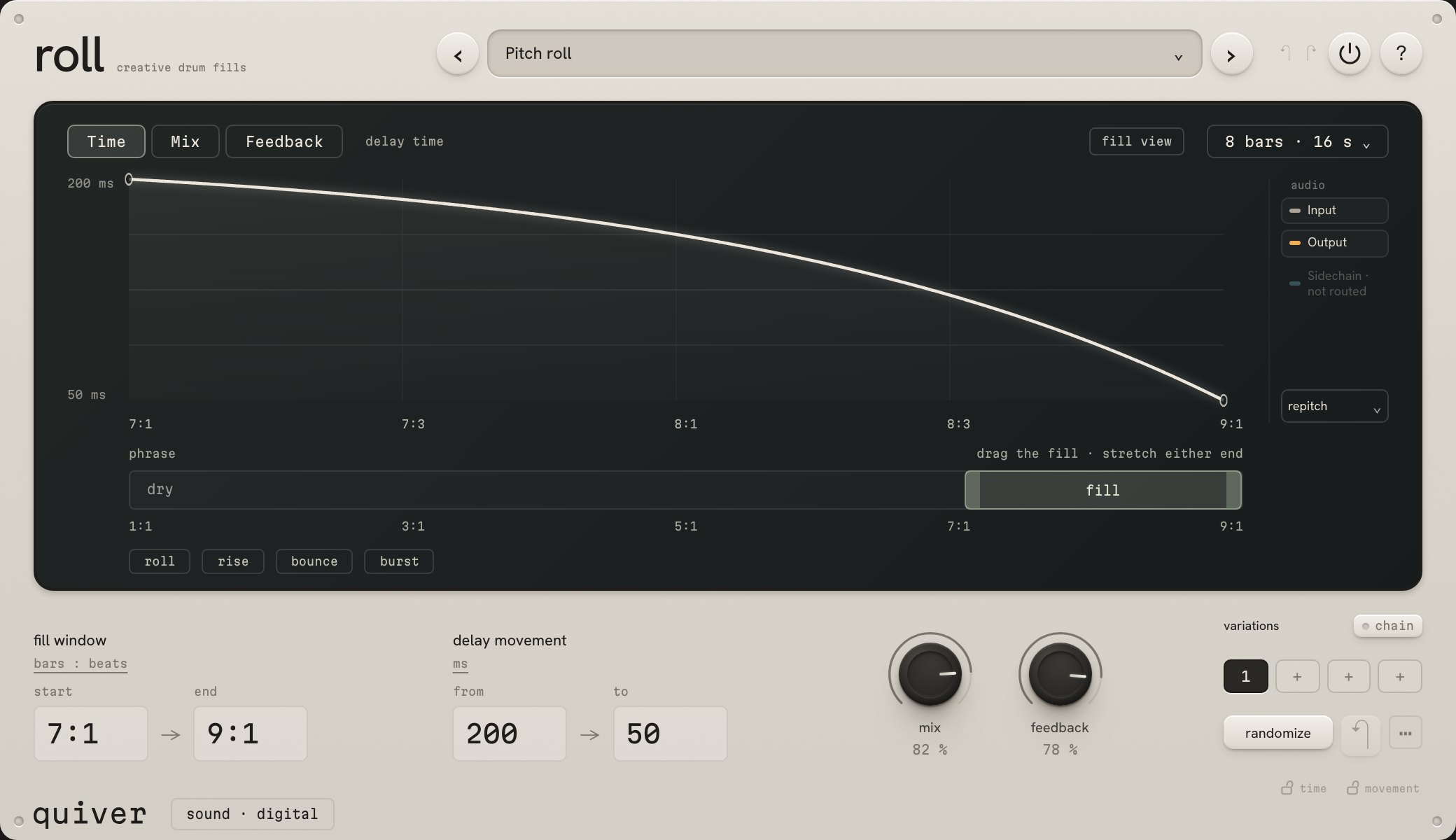
Choose a phrase of 1, 4, 8 or 16 bars and place the fill where it should come in, usually at the end. Before it, your drums play untouched. Drag the window, stretch either end, or type exactly where it starts and ends.
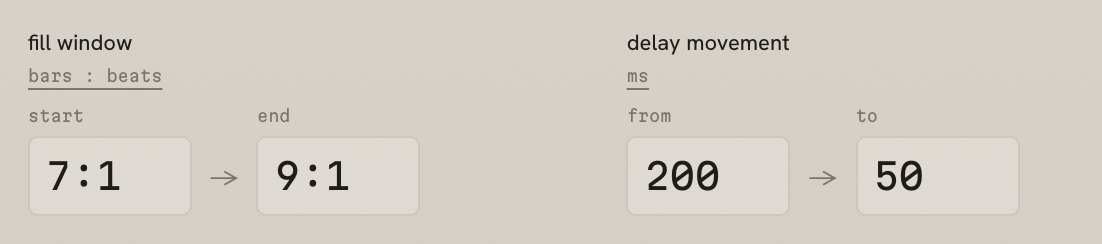
Set where the delay time starts and where it ends, in milliseconds or as note values that follow your tempo, dotted and triplet too. In between, the Time curve decides how it gets there: bend it for a roll that speeds up late, add points for bounces, or set two on one spot for a sudden jump. Four shapes to start from: roll, rise, bounce and burst.
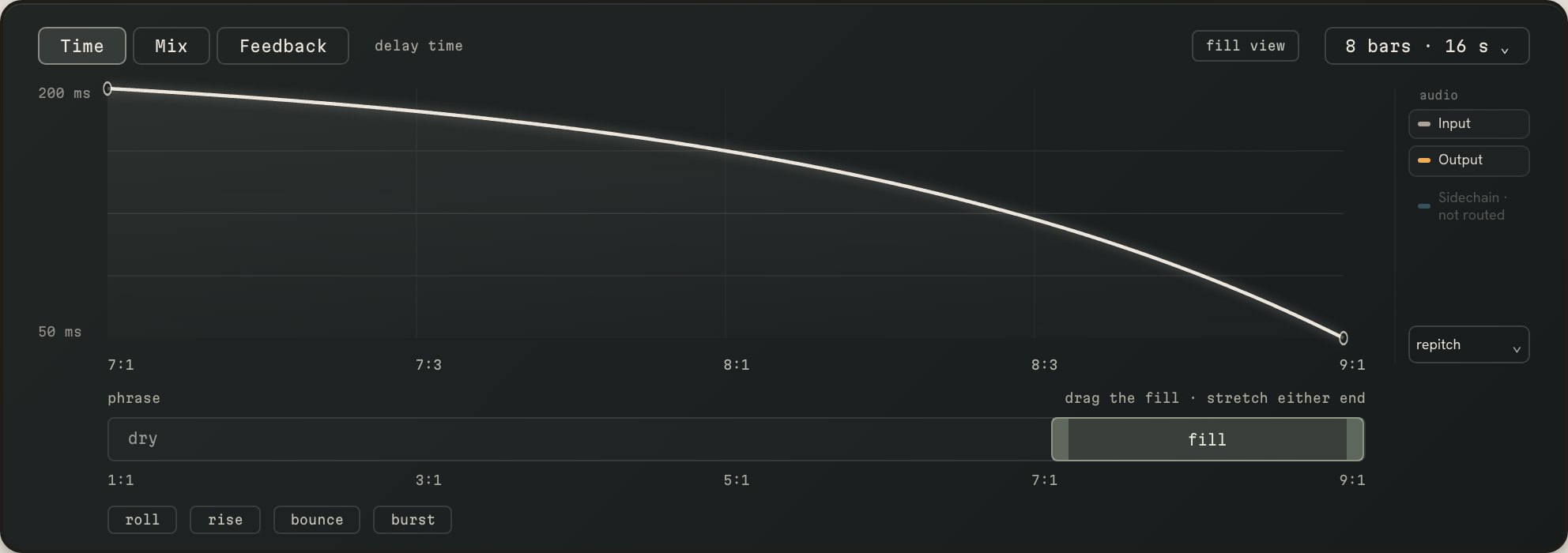
The same curve, four ways for the delay to follow it.
The delay time glides, so the repeats bend in pitch as they speed up or slow down, like tape.
Each new delay time fades in over the old one. The repeats change speed and keep their pitch.
The delay snaps straight to each new time, for hard steps, stutters and broken rolls.
The Time curve becomes playback speed, from normal down to stopped, and the sound winds down into silence.
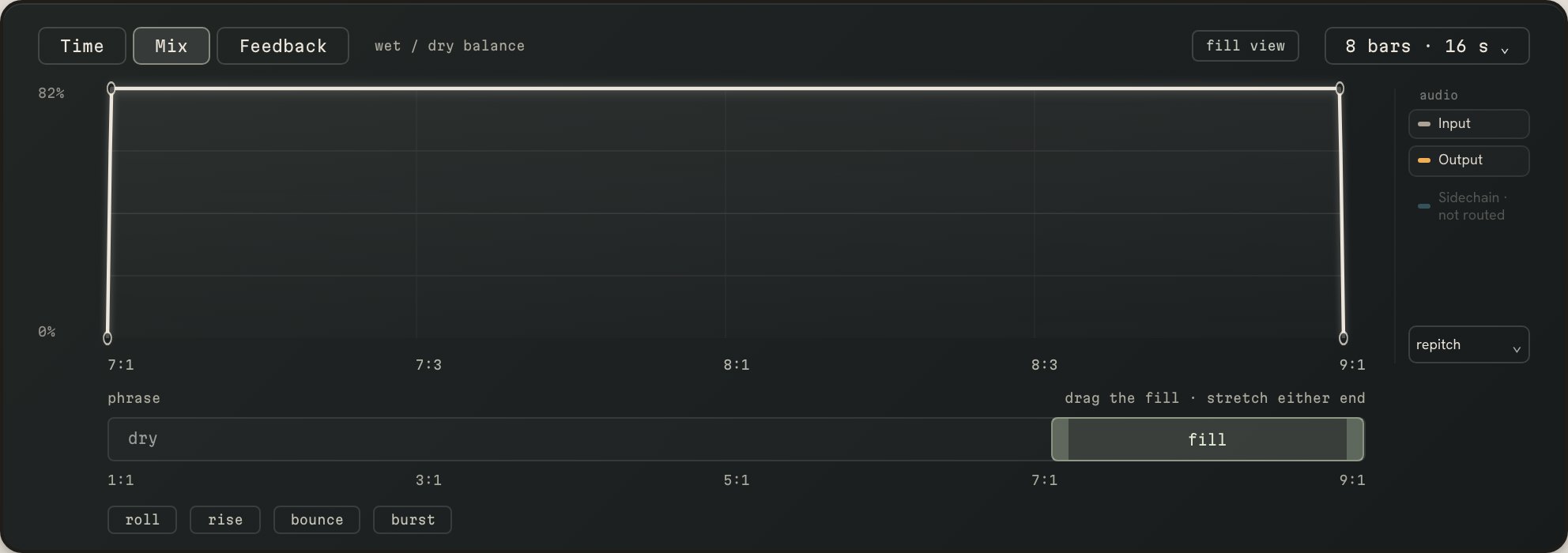
Mix decides how much of the delay you hear across the phrase, and Feedback how long the repeats keep piling up. Draw each one separately, and the mix and feedback knobs set how far they go. The delay never sounds outside the fill window.
Randomize writes a new delay movement: accelerating, bouncing or broken, now and then a stop. Set how far it goes, from a small reshape to a new shape, and lock what should stay: the Time, Mix or Feedback curve, the movement or the character. Your fill window and the knob levels never change, and revert steps back. Save four variations and switch between them as the song plays, or turn on chain and roll plays them in order, one phrase each.
The same phrase plays the same fill every time: nothing is random while it plays. Fourteen factory presets start with fills, then scratches, glitches, a slapback and stops.
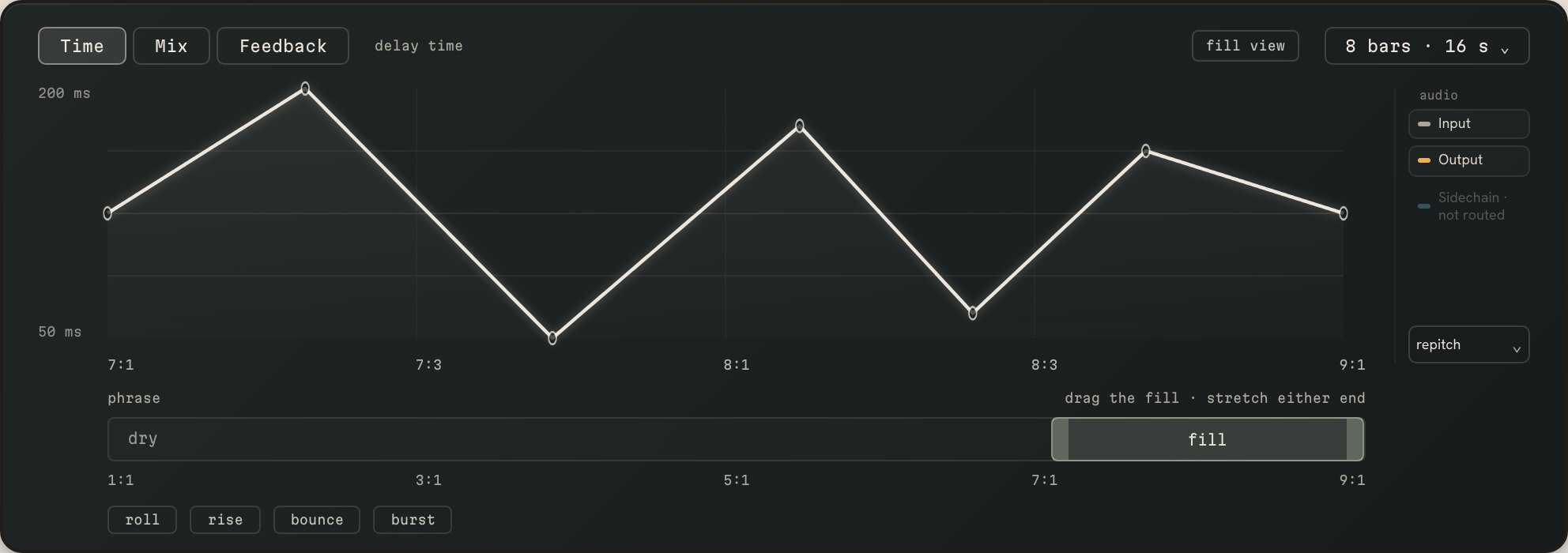
The first time the phrase ends as it was recorded. The second time roll is on the drums, dry until the fill comes in, then the delay time moves from 200 ms to 50 ms. Same level throughout: only the fill changes.
VAT included in Europe. In the US and Canada, sales tax is added at checkout.
Paddle, our reseller, takes the payment and sends the receipt. Your licence and download arrive by email straight after. Terms.
quiver roll.vst3 folder to C:\Program Files\Common Files\VST3. Load roll as an audio effect on your drums and drop your licence file onto its licence sheet.Help: support · support@quiver.fm